
A small drawing note can affect the entire calculation
The customer sends a STEP file and a PDF. The geometry looks familiar: a sheet metal part with holes and a few bends. Then the work of checking what actually needs to be delivered begins.
Which material grade applies? Should the surface be treated? Is there a specific tolerance requirement? Should the edges be broken or the part marked?
The answers may be spread across the title block, the dimensioning and the notes. A short line can mean an extra operation, an additional inspection or a question to the customer. This is information that needs to be included when you assess the job and set the price.
This is where PDF reading can help collect the basis for the process planner's assessment.
Drawing requirements become easier to work with
Glintify's PDF reading can identify different types of information and requirements in the drawing. The identified requirements are collected with a reference to the source, so you can check what it says and where the information comes from.
| Information in the drawing | What it helps you assess ahead of the quote |
|---|---|
| Material and stated thickness | What it helps you assess ahead of the quote: Whether the documentation and the material choice match. |
| Dimensions and tolerances | What it helps you assess ahead of the quote: Which requirements need to be checked against the part and your production. |
| Surface treatment, surface roughness and edge requirements | What it helps you assess ahead of the quote: Which finishing or inspection needs to be assessed. |
| Welding information | What it helps you assess ahead of the quote: Which welding requirements need to be included in process planning. |
| Threads, marking and documentation requirements | What it helps you assess ahead of the quote: Which additional operations or documents need to be followed up. |
Which information can be identified depends on the drawing's content, quality and layout. The table shows examples of requirement types that the function supports.
For you, the result is a collected basis to go through. An identified requirement can be traced back to the drawing file and the sheet, and questions that need handling become visible in the review.
PDF and CAD give a richer basis together
The CAD model provides the basis for analysing the part's geometry. The PDF drawing can add requirements on how the part is to be manufactured, inspected and delivered.
When the right information is available, Glintify can compare certain drawing information with the CAD data. This could be, for example, material, thickness or dimensions. A difference can then be highlighted for review.
This makes it easier to resolve conflicting information before it becomes an assumption in the quote. If the information is not sufficient for a reliable check, the process planner needs to supplement or assess the documentation.
Read more about the CAD data in our guide on what a quoting system can read from a STEP file.
Example: a bent part with finishing requirements
Imagine a request for a bent bracket. The CAD model provides a basis for assessing the shape, the holes and the bends. The drawing also states that the part is to be surface treated and that sharp edges are to be broken.
These are two pieces of information that need to be included in the quoting work. When such notes are identified, they can be highlighted as requirements to handle, with a reference to the drawing.
The process planner can then check which treatment the customer means, assess the edge finishing and make sure the right operations are included in the calculation. If something is unclear, there is a concrete question to resolve before the price is given.
The example is illustrative and describes a way of working, not a measured customer result.
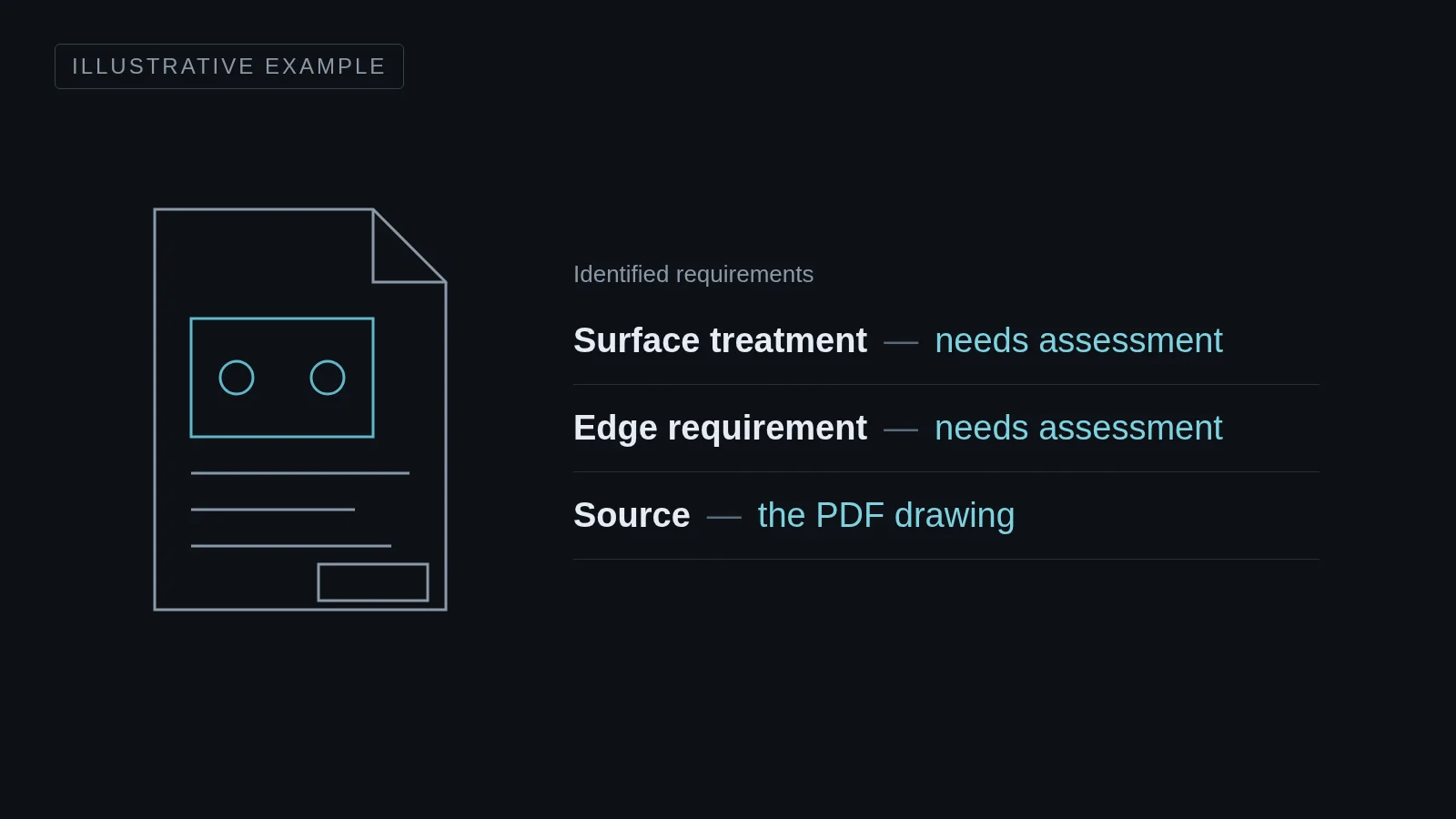
You see what needs to be reviewed
In Glintify, identified requirements can have different outcomes. A piece of information can match the documentation, show a deviation or need clarification. Some requirements need to be handled before the calculation can proceed.
That a requirement has been identified does not automatically mean that it has been fully checked or included in the price. You still need to assess how the requirement will be met and check that the relevant operations are included.
Not all drawings and requirements can yet be fully interpreted or linked. The process planner therefore reviews the result against the original drawing and approves the documentation. The collected result helps you see what needs attention in that review.
Bring a drawing from your own everyday quoting
Choose a previous request with a PDF drawing and preferably the matching STEP file. Together we can then go through which requirements Glintify picks up, what needs to be reviewed and how the documentation can be used in your quoting work.
Book a review of your drawing documentationFrequently asked questions about PDF drawings in quoting
What can Glintify read from a PDF drawing?
Glintify supports identifying, among other things, material information, dimensions and tolerances, surface requirements, welding information and certain additional manufacturing requirements. The result depends on the drawing's content and layout and needs to be reviewed against the original.
Do the drawing's requirements automatically become a finished price?
No. An identified requirement needs to be assessed and, when it affects the cost, handled in the calculation. The process planner checks that the right material, operations and requirements are included before the quote is approved.
Do we need to send both PDF and STEP?
Send both when available. The STEP file provides the geometric basis and the PDF drawing can add manufacturing requirements. To compare drawing information with the model, the right CAD data needs to be available.
Can all PDF drawings be read?
No. Legibility, drawing layout and the type of information affect the result. Scanned or unclear documents may need to be handled manually. The original drawing therefore needs to be part of the review.